
Live TV
Channels and programme information from your provider, with search and favourites.
Android phone · tablet · TV
Bring your own playlist or compatible provider into one player. Find live TV, movies and series, then return to favourites or pick up where you left off.
Bring your own M3U playlist or compatible Xtream provider. StreamBull does not supply channels or media.
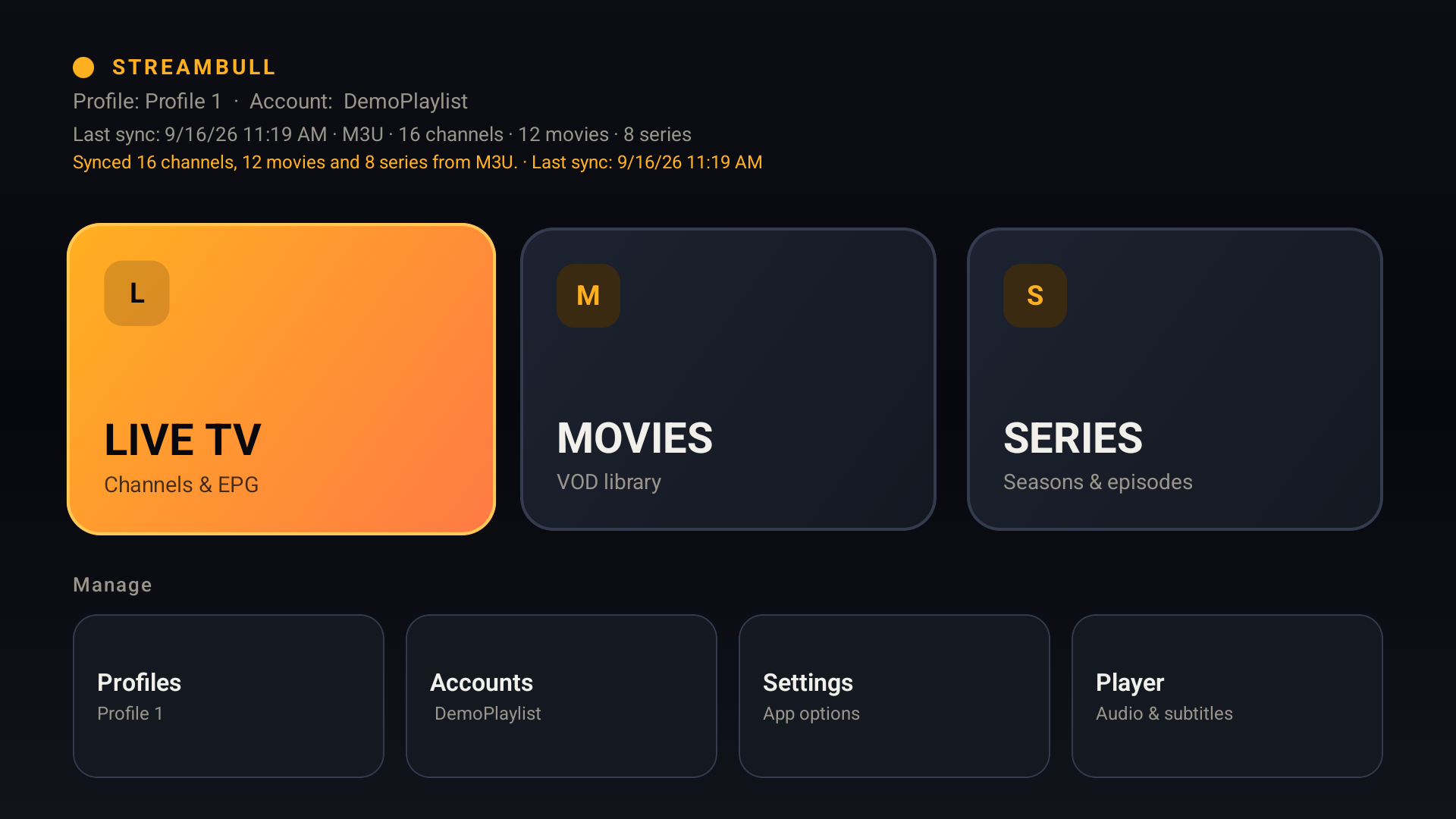
Channels and programme information from your provider, with search and favourites.
Browse provider categories, find a title and return to your saved playback position.
Explore seasons and episodes and continue where you left off.
Keep viewing preferences local, find what you want to watch and return to it easily.
Keep favourites and watch history separate for two people on one device. These profiles are local, not online accounts.
Set preferred languages so available audio and subtitle tracks can be selected automatically. You can also choose an available track in the player.
Navigate with your Android TV remote. On compatible TVs, StreamBull passes the source frame rate to Android so the display can choose a better match.
Return to recently watched content and resume a movie or episode from its saved playback position.
Search provider catalogues, save favourites and view programme information when your source supplies a guide.
Add M3U playlists or compatible Xtream access, save multiple configurations and switch the active source in Settings.
Real Android TV and phone screens using a demo playlist. StreamBull does not include channels, films or series.
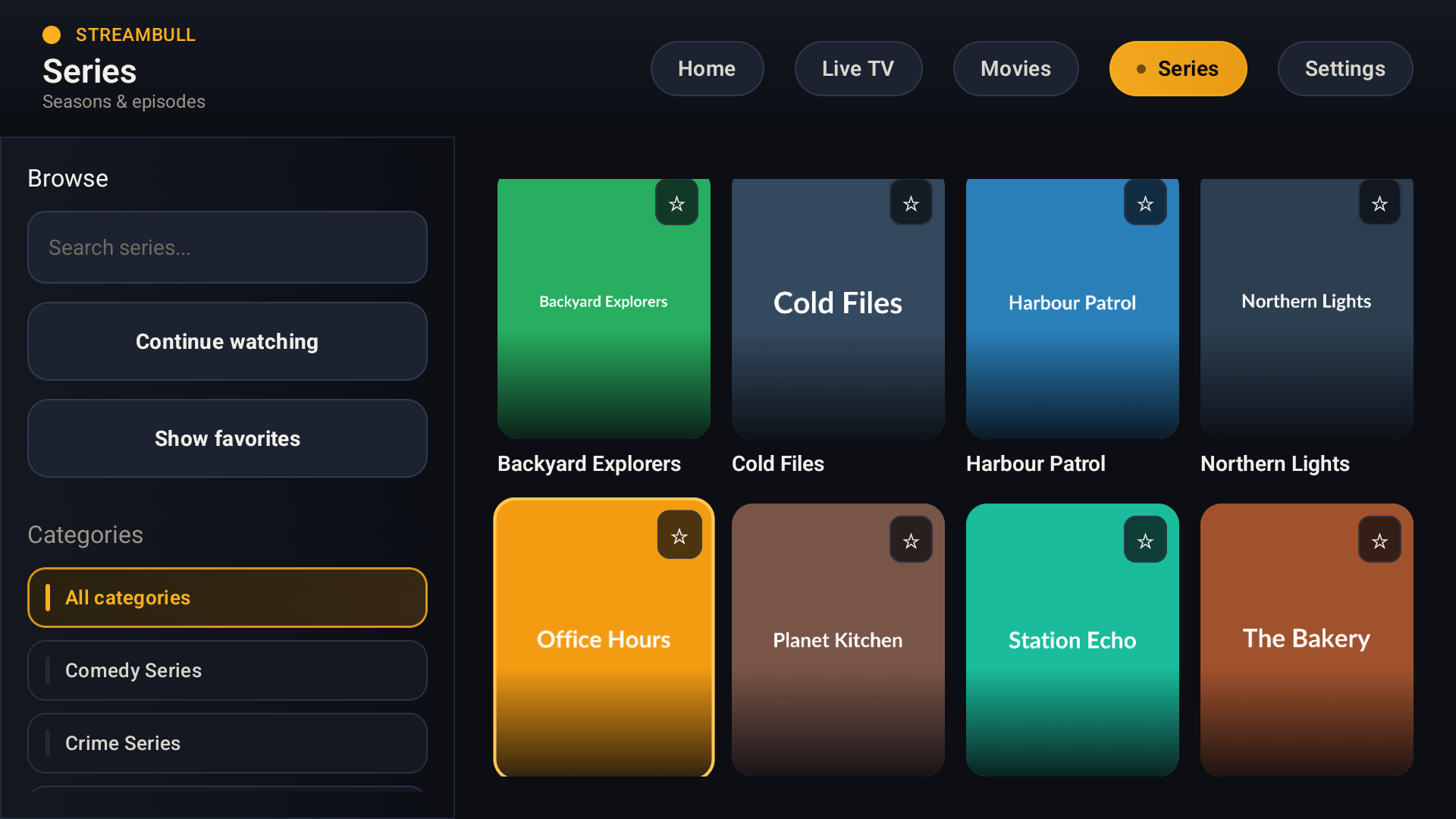
Use your remote to find series from your own provider, with search, categories and favourites.
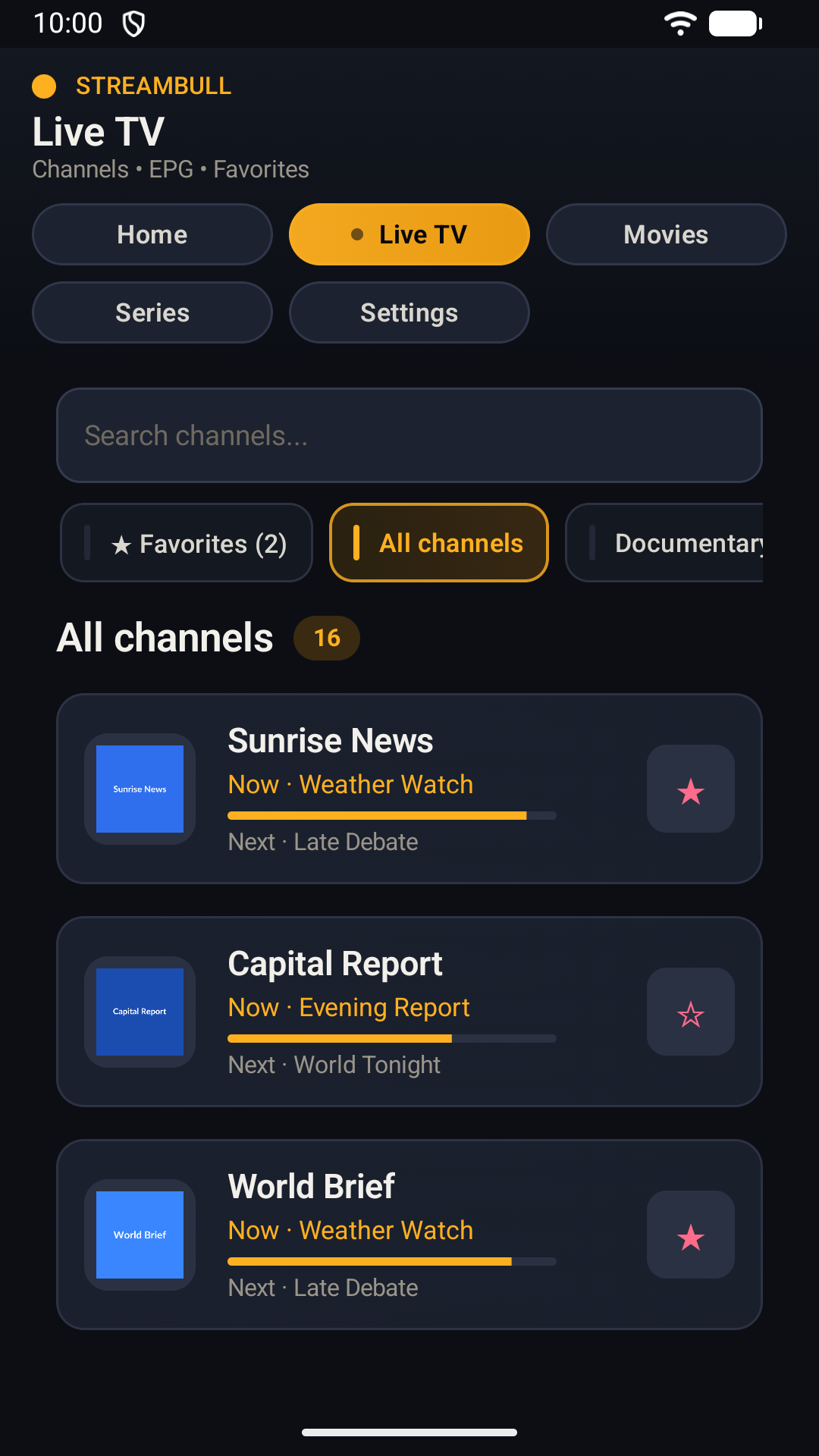
Search channels and see programme information when your provider supplies it.
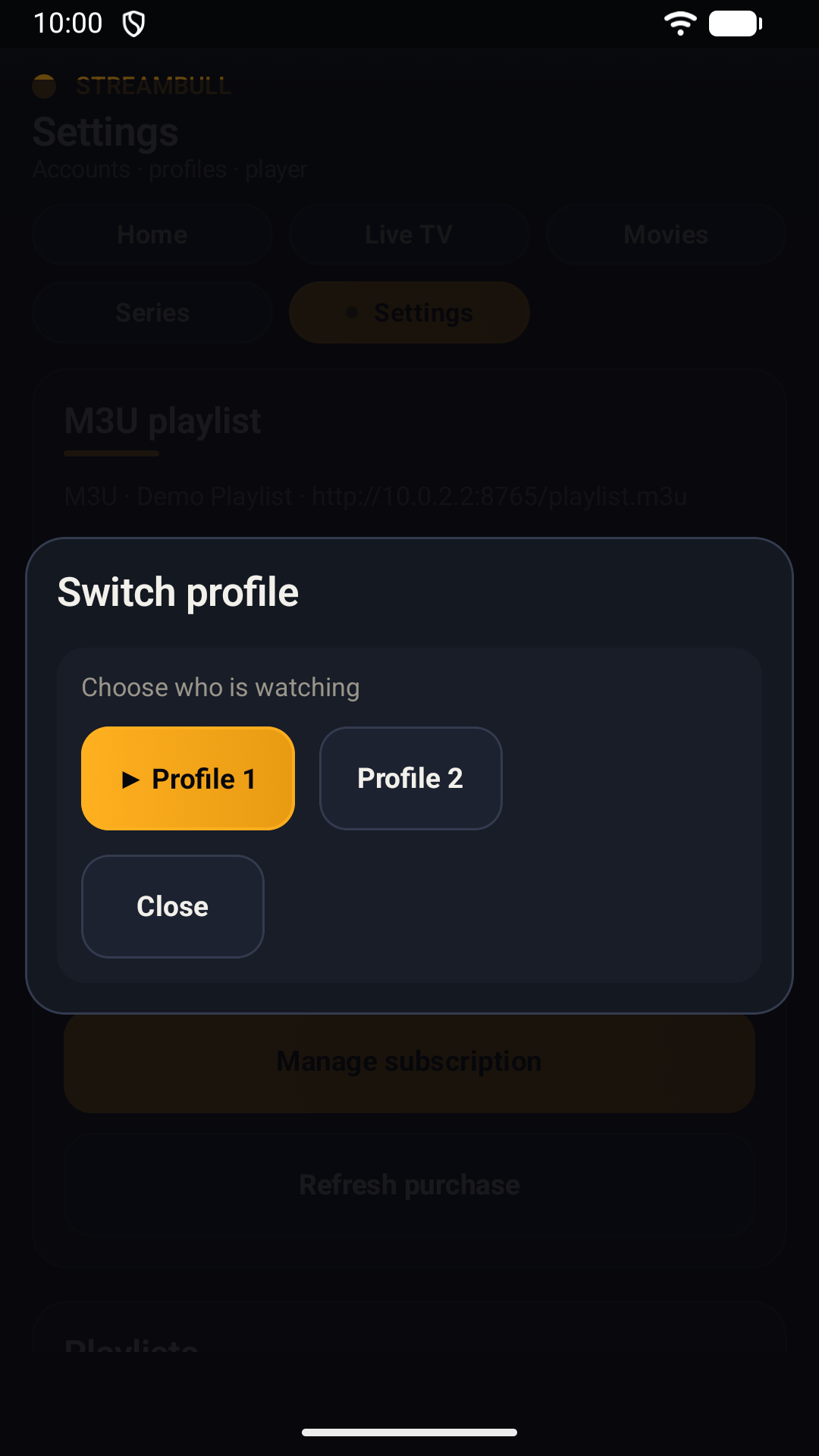
Keep each viewer’s favourites and watch history separate on the same device.
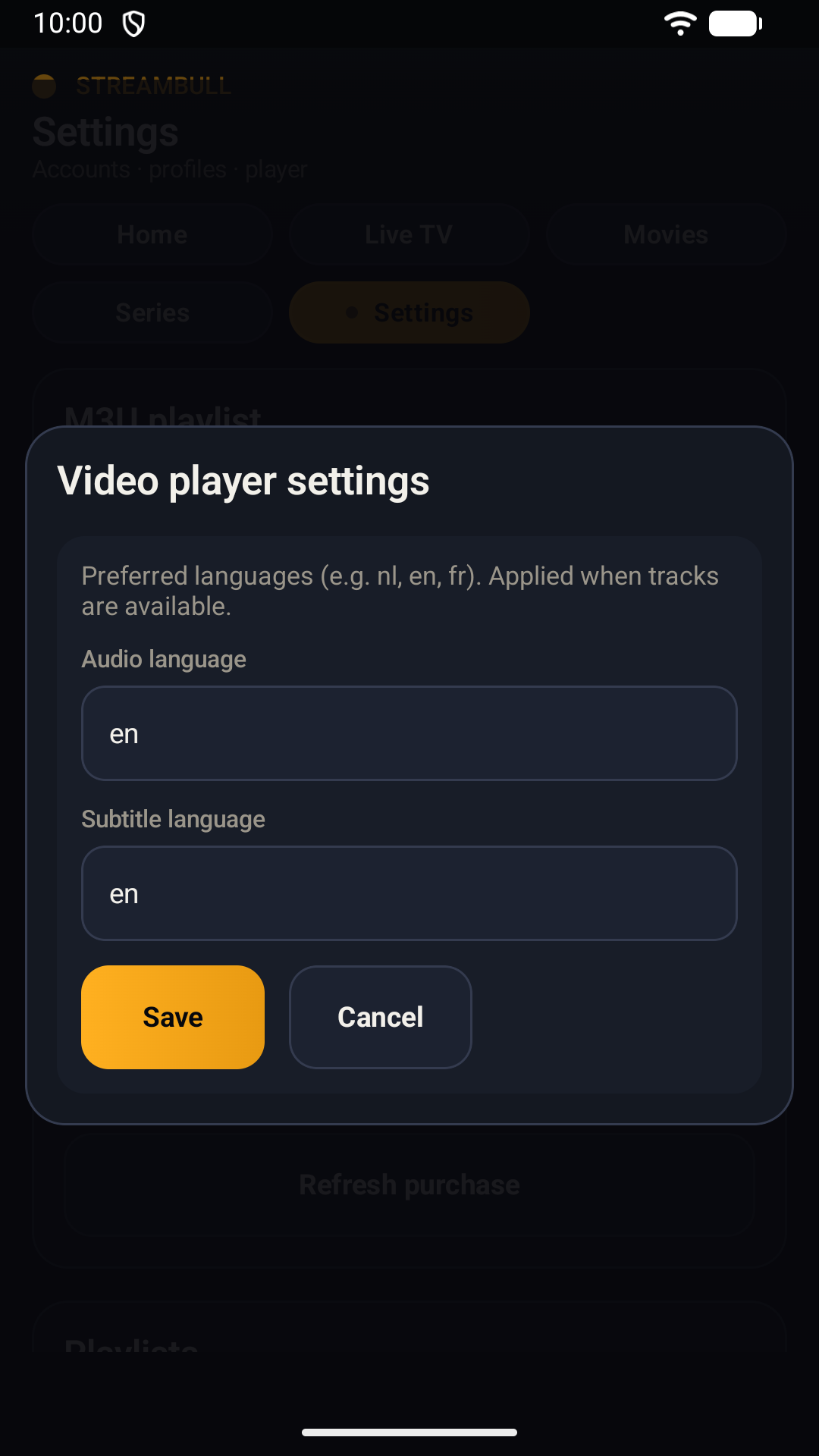
Set audio and subtitle preferences; matching tracks are selected when available.
Demo playlist shown; media not included.
StreamBull is coming to Google Play for Android phones, tablets and Android TV.